
Business setup
Capture business and legal names, choose supported accounting settings and set the fiscal-year start month.
Manage the day-to-day accounting of an owner-managed business: bank imports, A/R, A/P, journals, reconciliation, payroll, reports and accountant handoffs.
Follow the Cashflow Pilot tutorials with examples you can check against your own data.
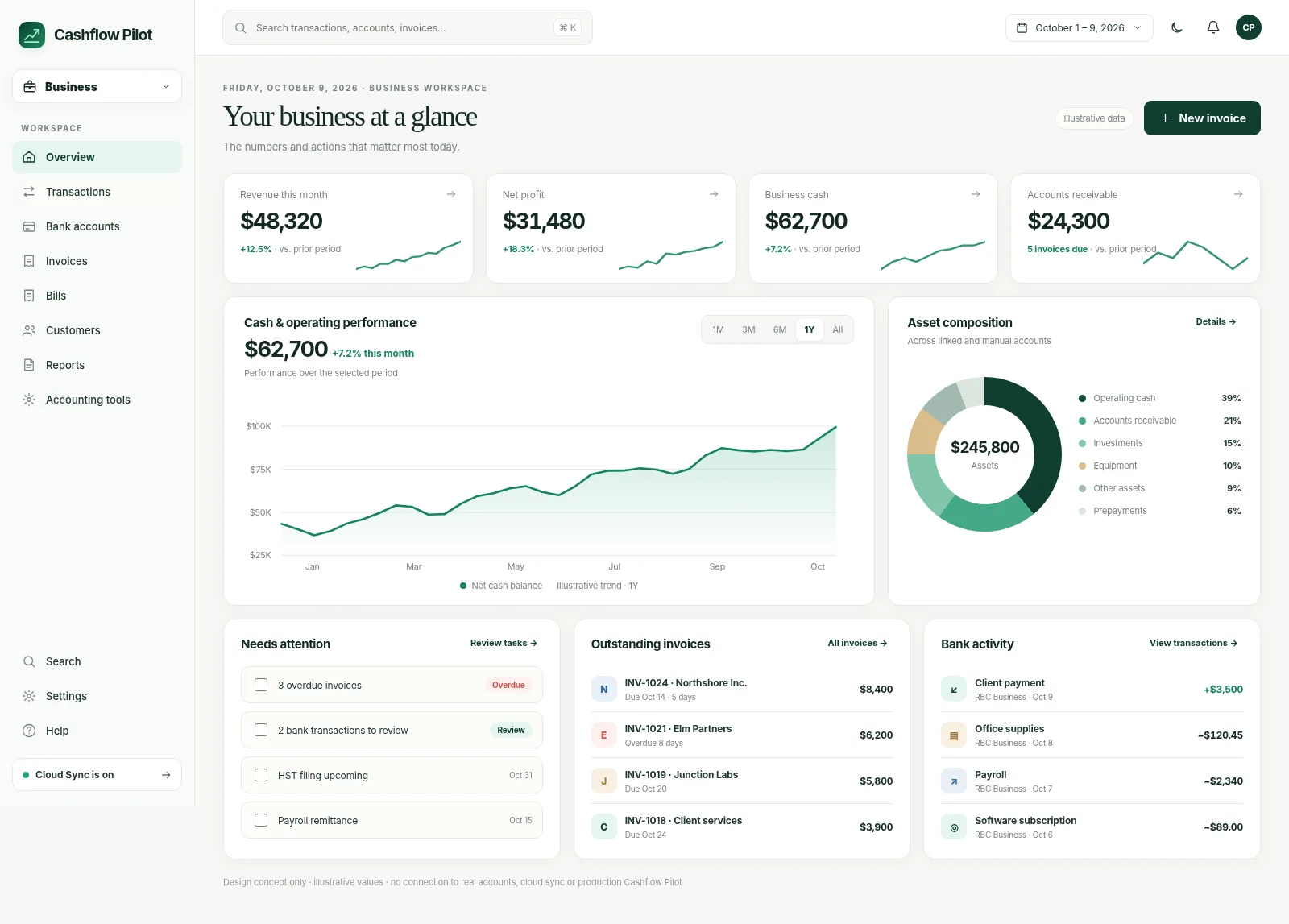
See how the bookkeeping journey is organized, from statement review to invoices and year-end workpapers.
The labelled spaces above are not screenshots of the current app. Actual sanitized captures will be added after release and device verification. Until then, use the linked step-by-step guides to explore each workflow.
Run owner-managed Canadian bookkeeping with reviewed transactions, double-entry accounting, invoices, payables, reconciliation, payroll workpapers and accountant exports.
Start with accounting structure.
Capture business and legal names, choose supported accounting settings and set the fiscal-year start month.
Use and maintain a structured list of income, expenses, assets, liabilities and equity accounts.
Create and review balanced accounting entries with debits, credits and supporting explanations.
Drill from balances to transactions and journal activity where supported.
Apply available locks and close safeguards to reduce unexpected changes to earlier accounting periods.
Separate imported evidence from posted books.
Bring in supported CSV records or migrate supported QuickBooks backup data into review workflows.
Review entries before posting; exclude unwanted imports without disguising the distinction from booked activity.
Identify bank-to-bank and card-payment transfers so internal movements are not counted as revenue or expense.
Check opening balances, statement activity and ledger movements and resolve discrepancies before closing.
Review supported cross-currency transfers and currency-locked account ledgers; use available FX adjustment workflows carefully.
Keep receivables and payables together.
Maintain customer records and a catalogue of products and services used on invoices.
Create and manage invoices with editable numbering where supported, then follow payment status.
Inspect overdue receivables and collection priorities using available aging and recurring invoice workflows.
Record supplier obligations, bills and related payments to track what is owed.
Apply accounting categories and chart-of-account mappings while preserving review and posting controls.
Use reconciled books to understand the business.
Review revenue and expenses over selected periods.
Inspect supported assets, liabilities and equity account balances.
Review cash movement, upcoming obligations and forecast widgets as supported.
Choose and rearrange supported business widgets such as A/R, A/P and income trends.
Prepare supported workbook, ledger and backup exports for professional review.
Keep workpapers traceable and reviewable.
Configure supported province, pay frequency, employee exemptions and pay-period details.
Review calculations, finalize payroll records and post the resulting accounting journals according to supported rules.
Track payroll deductions, remittances and T4/ROE workpapers. Business also offers separate T5 dividend-reporting workpapers.
Maintain supported asset/depreciation records and Canadian CCA continuity workpapers.
Review supported HST entries and exchange adjustments for applicable monetary balances before accountant handoff.
Operate with a deliberate recovery plan.
Work with available accounting data on the device without being forced to publish it to the cloud.
When enabled, sync supported accounting records; raw imports, generated workpapers and some identifiers remain local.
Export and independently verify supported financial records before major imports, restores or closes.
Use controlled exports and reviewed journal adjustments rather than assuming the accountant has direct login access.
2026 payroll rules are included for Canada, including Quebec. Other years require updated rules. Review HST, CCA and FX workpapers before filing or remitting.
Availability can depend on your build, device, imported records and connected providers. See the cross-workspace feature table →
A useful financial workspace needs guardrails, not just charts.
Imported Business transactions remain Pending until reviewed and posted. Do not confuse the statement balance with the ledger balance.
Export supported workbooks and workpapers for review. Accountant adjustments can be imported as balanced journals after validation.
Payroll and tax calculations depend on validated jurisdiction and tax-year rules. Professional review is still needed before filing or remitting.
No. It helps assemble and review accounting records, but tax filings, payroll rules and year-end adjustments should be checked by a qualified professional.
Business imports use a review flow; distinguish pending, posted and excluded transactions and reconcile before treating figures as final.
No. Raw import history, generated reports/workpapers, some sensitive identifiers and certain other items may remain local. See the data guide.
No. Province and tax-year rule coverage must be verified; future years should not be used until calculation rules are validated.
Step-by-step help for common tasks and important review checkpoints.
You decide how to manage your information and whether to sync between devices.
Financial records are available on the device. You can start without linking a bank or enabling cloud replication.
Signing in identifies you; enabling Cloud Sync separately sends supported records between devices. Not every file or sensitive field is included.
Save a backup so you have a copy if you ever need to restore your information.
Use the workflow that fits your existing data. Bank connections and Cloud Sync are optional, separate choices.
Choose fiscal year, accounts and accounting settings.
Load activity, reconcile transfers and post appropriate entries.
Create invoices, handle payables and prepare payroll workpapers.
Reconcile periods and produce a verified accountant handoff.
Short guides explain how data enters Cashflow Pilot and what to check before accepting it.
See how to get started, step by step.
Read guide →See how to get started, step by step.
Read guide →See how to get started, step by step.
Read guide →Detailed workflow pages for Canadian business records.
Cashflow Pilot has no required app subscription for its current tools. Use one workspace or all three. Improvements keep coming, and you choose whether to connect a bank.
Use Cashflow Pilot locally, then add the workflows and integrations that make sense for you.
Simple examples, common mistakes and guidance for checking your figures.